Generate Unofficial Transcript in Workday
This article shows the user how to Generate Unofficial transcript in Workday.
Quick Search: Generate Unofficial Transcript
Step 1: From your Workday homepage, select Menu on the top left corner and select Academics in the Student Resources catagory.

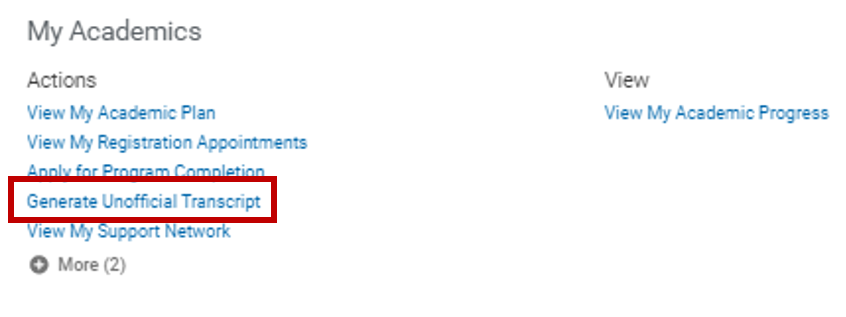
Step 2: Select Generate Unofficial Transcript in the Actions section.
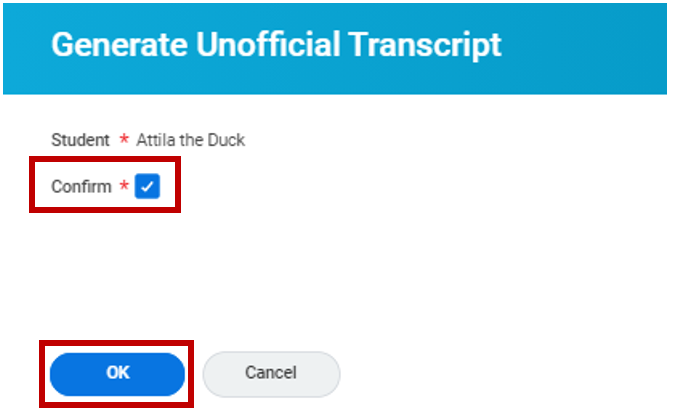
Step 3: Select Confirm – Select OK
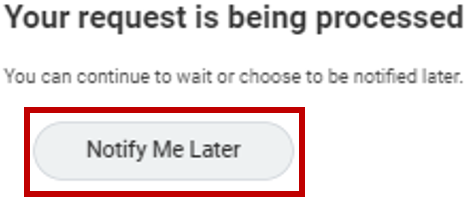
Step 4: Select Notify Me Later
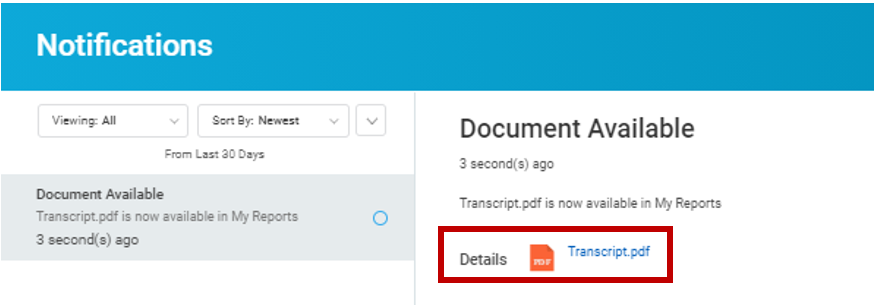
Step 5: Select the Notifications icon from your Workday homepage once the transcript is processed.

Step 6: Select the notification to view the notification details on the right – Select Transcript.pdf
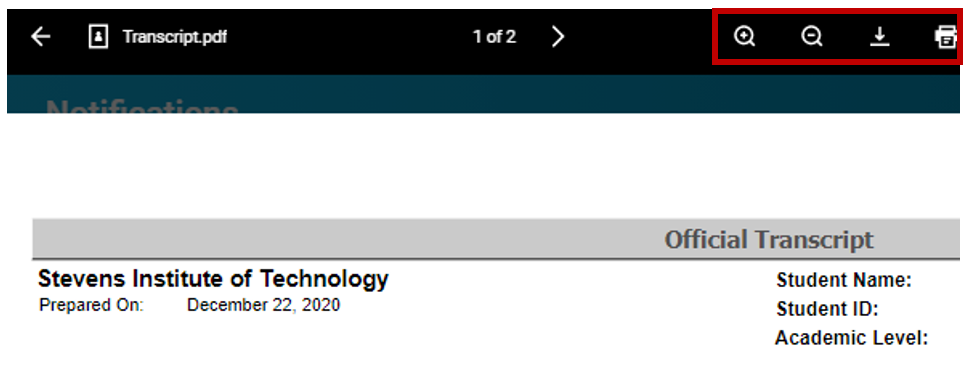
Step 7: Select the icons in the top right of the screen to zoom, download and print your unofficial transcript.
Experiencing an issue or need additional support? Contact our OneIT Team by